
Choose a digital bundle without buying the same products twice
List the resources you already own
Before comparing collections, open the folder where you keep digital purchases and write down the product names you already use. Original ZIPs and instructions can help identify the resources accurately. You do not need a perfect inventory of every file you own. A short list of purchases related to the bundle you are considering is enough to reveal some obvious overlap.
Include products you have not started using yet. An unopened file is still an existing purchase, even if you have forgotten it. Note which part of a resource you actually use as well: a monthly view, one particular record or a few covers. This makes it easier to compare practical needs instead of judging a collection only by the number of files it contains.
- Search by product name rather than cover color alone.
- Include purchases that you have not opened yet.
Compare named components rather than only totals
A MADIPIX bundle combines identified catalog products. The Soft Life Bundle includes six: Sunday Reset Planner, Morning Glow Journal, Goodnight Girl Journal, Little Things Gratitude Journal, The Gentle Habit Tracker and Cozy coffee and journaling stickers. If you already own one of those products, buying the same individual resource can repeat content that is also part of the collection.
The Money Girl Bundle contains six different products and The Organized Girl Bundle contains eleven. The larger number does not automatically make one the better choice for you. Review the component names and inspect the previews of the resources that interest you most. If you need one specific function, an individual product may fit better than a collection whose other components you do not expect to use.
- Mark each component as new, already owned or unnecessary.
- Read the complete component list rather than only the bundle name.
Distinguish products, designs, files and languages
One product may contain several files and more than one language version. That does not mean each file is a new design. A PDF planner can include versions with different functions, while a template can provide ES-MX and EN-US files of the same design. Compare quantities using the unit stated on the listing: pages, designs, motifs or products inside a collection.
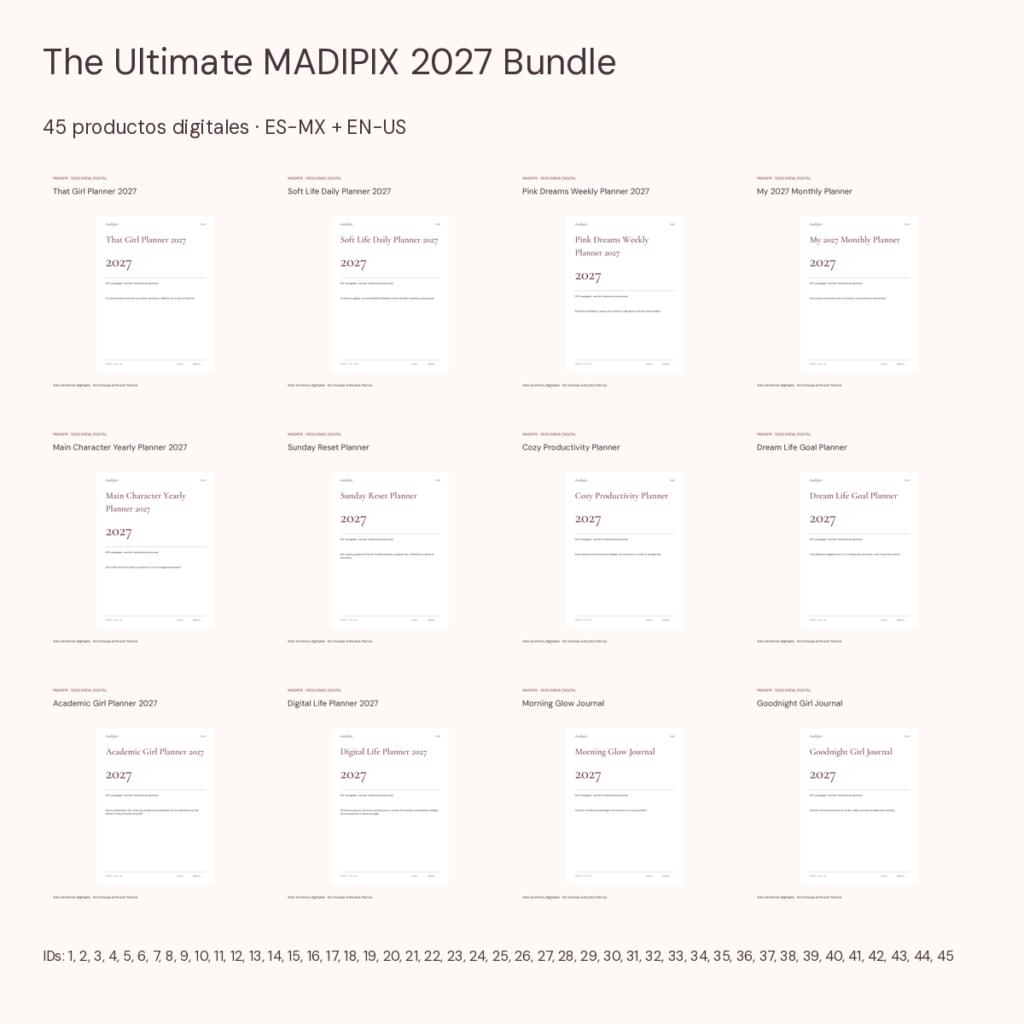
The Ultimate MADIPIX 2027 Bundle contains the 45 individual products, rather than treating bundles 46 through 49 as additional content. The language versions do not double that quantity. Its description also identifies shared motifs between some sticker collections. Before treating every illustration as unique or adding the totals of several packs, review those notes and avoid converting file positions into distinct designs.
- Keep product counts separate from file counts.
- Do not count language versions as additional designs.
Check the formats against your intended workflow
A large collection may combine PDF, PPTX, PNG and SVG. Each format has its own use and may need a compatible application. That Girl Planner 2027 is a PDF product, while the Pink Minimal Instagram kit uses PPTX. If you have tested only one of those formats, start with a sample from the new category before assuming your existing applications cover the entire package.
The Content Creator Bundle contains eleven products and combines PDF and PPTX resources. Its usefulness depends on whether you need that combination rather than whether the name suggests creating content for you. Bundles do not connect social accounts, schedule posts or replace review of your finished files. Read the included instructions, compatibility information and licenses to prepare a workflow that you can realistically maintain.
- Try an unfamiliar format with an available sample.
- Choose resources for a specific task you want to complete.
Make a comparison you can explain later
Create three simple columns: products you already own, products you expect to use and products you do not need now. Then compare the current bundle price against the individual options that are relevant to you. Prices and promotions can change, so check the current store amounts instead of assuming a fixed saving merely because the product is sold as a collection.
If you choose a bundle, save its component list alongside the ZIP for future reference. That makes shared content easier to recognize when you encounter another collection. If you choose one individual resource, record that decision in your list as well. Owning fewer files that you actually use can be a consistent choice; the purpose is to understand what you are adding and why.
- Keep the component list with the downloaded package.