
Digital stickers: choose between PNG and SVG and test your files
Begin with the application you actually use
Before choosing a collection, decide where the stickers will go: a document, presentation, planner or graphic composition. Check which formats that application can import and how it saves the result. A useful format depends on more than the drawing itself. It also depends on whether you can move the sticker independently and retain the edits after closing and reopening your file.
A small test can answer those questions. Create a new document containing material you do not need to preserve and add one sticker. Resize it, move it and save a copy. Close the document and open it again to see whether the element remains where you placed it. This separates a successful preview from a working process that you can repeat in your own projects.
- Test in the application you intend to use.
- Keep a copy of an important document before experimenting.
Understand the practical difference between formats
PNG stores an image made of pixels. When your application supports it, you can place a PNG sticker as an independent image. Enlarging it beyond its useful size may reduce visible definition. Check the dimensions stated on the listing and test the scale you need, especially when your final result will be printed rather than viewed only on a screen.
SVG uses a vector structure, but that does not guarantee that every application can open it or edit its separate parts. Some tools accept only certain file types, while others convert content during import. If you need a particular color or shape change, test that exact operation in your program. An included format does not imply every editing feature in every application.
- Check the actual scale at which you need the illustration.
- Opening an SVG does not necessarily mean fully editing its contents.
Organize the motifs so that you can find them again
Keep the package folder structure when extracting files, and preserve a copy of the original ZIP. If you build a personal favorites folder, use copies of the motifs so that you do not accidentally remove files from the package. Organizing favorites by purpose, such as marking reading, identifying tasks or decorating headings, may be more useful than relying only on filenames.
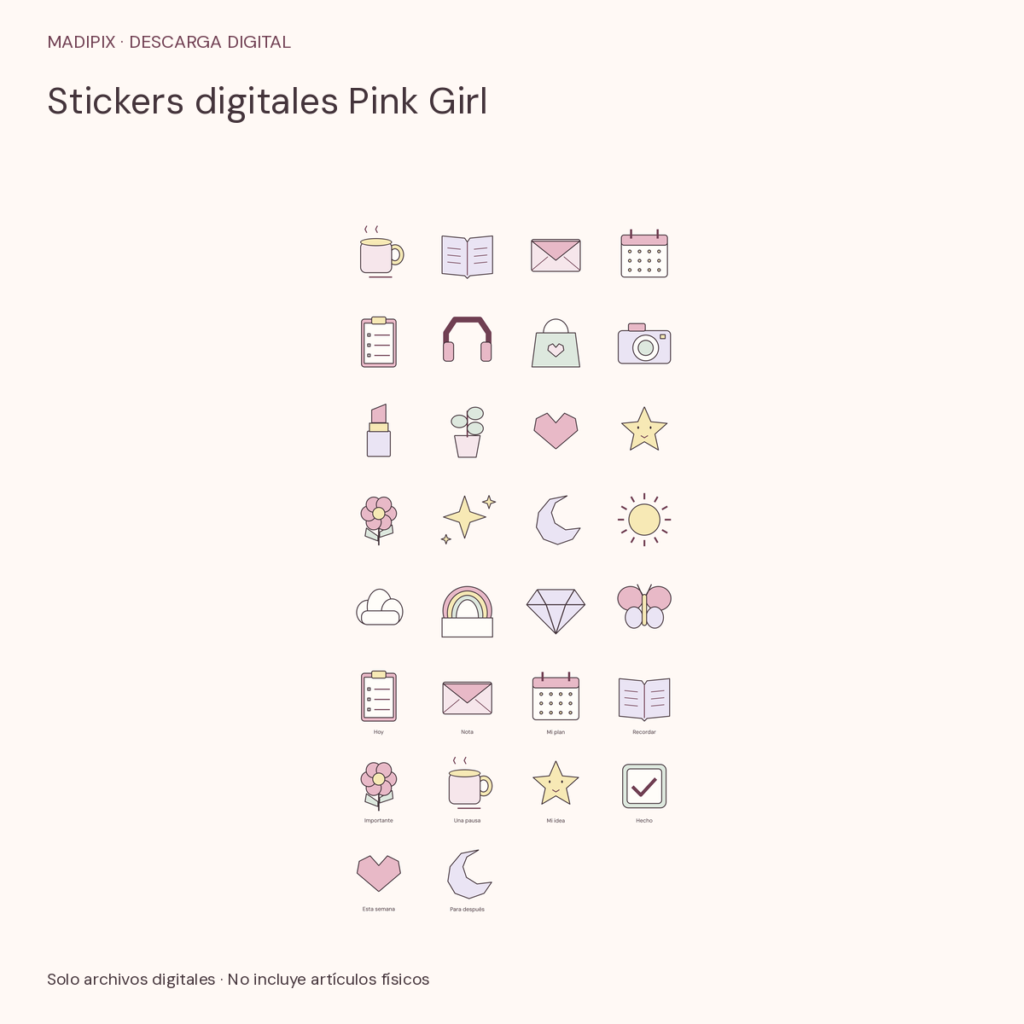
Distinguish individual sticker files from an image that presents several motifs together. A commercial cover introduces the collection's appearance; it is not necessarily the file you will place in your project. Review actual previews and the contents listed on the product page. Working with a sample helps you understand that difference before choosing a larger collection of files.
- Keep the ZIP, instructions and license together.
- Do not confuse a collection cover with its individual stickers.
Make one small composition and review its output
Place a sticker near a heading and another beside a task, then leave part of the page undecorated. Check that the main information remains easy to read. If one motif takes too much space, make it smaller or try another position. A useful visual system can consist of repeating a few elements with clear purposes rather than filling every available area of the page.
Save the document and create the kind of output you intend to use: a working copy, an image or a PDF, depending on your application's features. Review that output separately. It may look different from the editable document or retain fewer editing options. Do not share the original package files as part of a delivery if the included license does not permit that redistribution.
- Review the working document and the exported file.
- Leave enough space for reading and writing.
Choose a collection based on the use you tested
The free Mini cozy pack includes six PNG and SVG motifs with ES-MX and EN-US versions. It offers a way to test imports before choosing a full collection. Pink Girl digital stickers, Cute productivity stickers and Cozy coffee and journaling stickers each include 30 motifs. Check the product page to see the actual illustrations and files included in the particular collection you are considering.
Language versions do not double the design count. If you combine packs or choose a bundle, review notices about shared motifs instead of assuming that every file represents a different illustration. Choose the resources you expect to use and the format that passed your application test. Editorial images, devices and accessories are not included in the digital download.
- Start with one motif and expand after the test works.