
Organize an expense log without confusing it with a forecast
Begin with transactions rather than percentages
An expense log is a place to organize information that already exists. To try one, gather transactions from a short period and check their dates and amounts. You do not need to choose a savings rule or decide how your money should be allocated. This exercise is about recording and distinguishing information; it does not replace financial, tax or personalized professional advice.
Use one currency per record, or maintain separate sheets when you work with several currencies. Adding amounts in different currencies does not create a meaningful total without an explicit conversion method. Keep a pending payment separate from a completed payment as well. Before looking for conclusions, make sure every row has a clear meaning and can be connected to a source.
- Choose a small period you can check.
- Separate currencies and pending transactions.
Decide what each row represents
A simple structure can include date, description, category, amount and status. Use descriptions that will still make sense when you review them later; a very general word may not provide enough context. For a shared expense, record the portion you are tracking and explain your method in a note. Do not count both the full amount and your portion as separate payments.
Keep your signs and categories consistent. For example, you might use separate income and expense columns or clearly label the type of each transaction. The goal is not to create a long list of labels but to make the information understandable. Changing a category during the period is manageable if you record what changed and review the affected rows before comparing totals.
- Use a small set of distinct categories.
- Add a note whenever a transaction needs an explanation.
Keep planned amounts separate from actual movements
A budget describes a forecast, while a transaction log records movements that have already happened. You can compare the two, but avoid replacing an actual amount with what you expected to pay. If your planned amount and the final transaction differ, keep each figure in its own place. The difference is information about the period rather than a reason to rewrite the record.
Apply the same care to receipts, refunds and transfers between your own accounts. A refund can be connected to its original expense through a note. An internal transfer should not appear to be new income merely because it arrives in another account. Define the part of your information you are examining and avoid counting one movement twice when combining different sources.
- Distinguish forecast, pending and completed amounts.
- Review refunds and transfers for possible double counting.
Finish with a short consistency check
At the end of the period, compare a selection of rows against their sources: dates, amounts and possible duplicates. Look for missing information before interpreting a total. If you cannot confirm an amount, mark it as unverified instead of inventing a zero. An unknown value and a verified value of zero describe different situations and need to remain distinguishable in your record.
MADIPIX's free expense log is a two-page PDF sample. It contains a fictional example in which 100 MXN received minus 25 MXN spent leaves 75 MXN. That example illustrates arithmetic rather than an expected outcome or a recommended budget. You can use the sample to see whether manually entering and reviewing transactions is a comfortable format for your own record keeping.
- Do not turn missing information into zero.
- Check a small selection of rows before closing the period.
Expand only when the extra structure helps
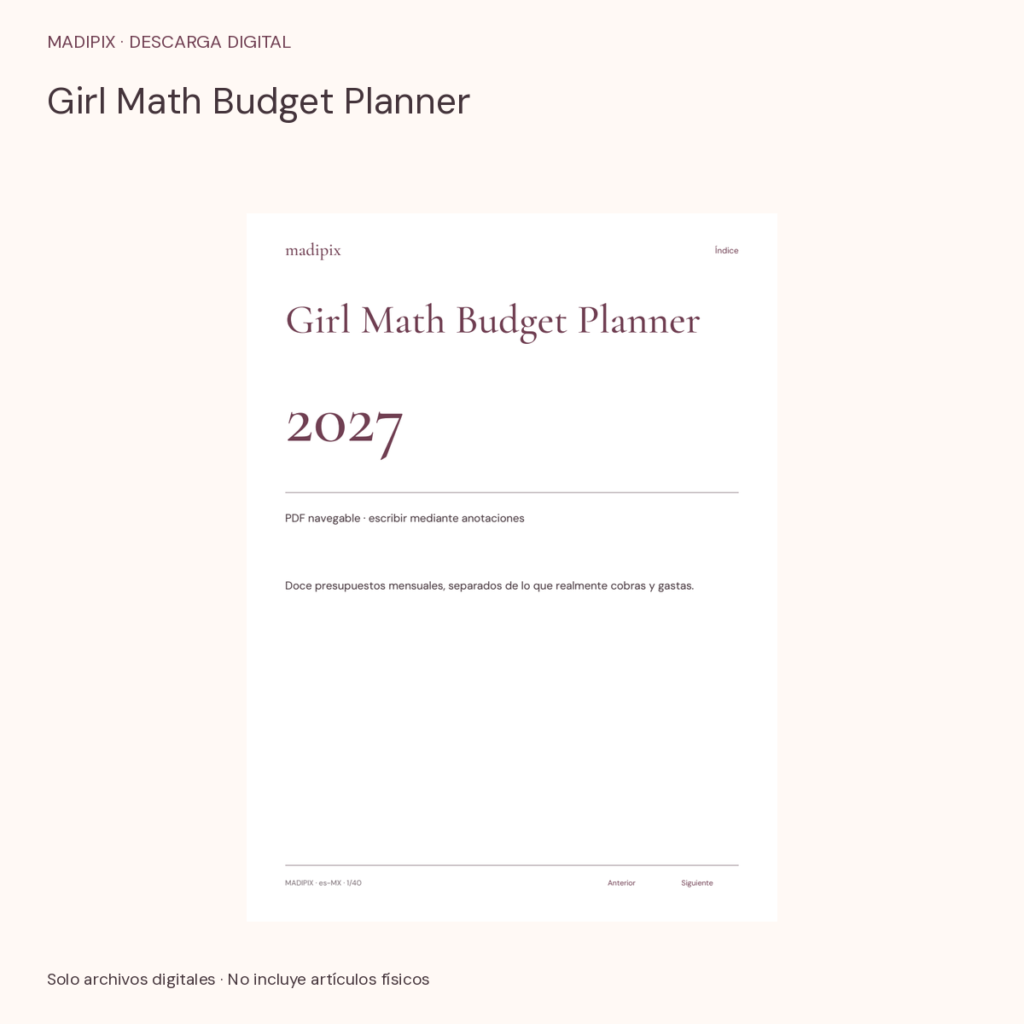
Girl Math Budget Planner contains 40 pages per language and twelve monthly budgets, separated from amounts actually received or spent. Rich Girl Energy Savings Tracker is another PDF resource in the catalog. Their product names do not promise savings, profitability or income. Review actual interiors and instructions to understand the fields included and the entries you will need to complete manually.
The Money Girl Bundle combines six products, including those two resources and Money Girl stickers. Check whether you already own any components before choosing it. The files do not replace professional reconciliation or automatically calculate every transaction. If you need to make a decision involving debt, taxes or investments, your records can help organize information for a professional consultation without making the decision for you.
- Try the sample first and compare the actual functions.